
Searching Cases by Name
The official public route for Jasper County automated court records is Missouri Case.net. Its public guide confirms a Litigant Name Search. Jasper's criminal and traffic instructions add a few steps. Select the 29th Judicial Circuit. Type the name exactly as it appears on the court record or ticket. Add a filing year when available, then select Find. A full case number works even better. It is more precise than any name search.
Some things get in the way of a clean result. A common name, a spelling variation, a changed name, a historic case, or a case not yet entered can all hide a match. So can a confidential record or the wrong search mode. A no-record result never proves that no Jasper County case exists. Before opening a docket, compare the result against the court, division, case category, and notice.
- Open Case.net and choose the 29th Judicial Circuit for the Jasper County search.
- Enter the name used in the court record and add the filing year if known.
- Review results for the matching court, case type, and case number.
- Open the selected case to view public docket entries and scheduled-hearing information.
- Use the Circuit Clerk or records request route if the result is missing, ambiguous, or needs a copy.
| Field label | Type | Required | Confirmed use |
|---|---|---|---|
| Litigant name | Public name-search entry | For name mode | Use the name as it appears on a court record or ticket. |
| Filing date | Date search | For filing-date mode | Helpful when the year or date is known. |
| Case number | Identifier search | For number mode | Most direct route when a court notice supplies it. |
| Scheduled hearing | Calendar search | For hearing mode | Use with a clerk or notice confirmation for an upcoming setting. |
Jasper County Case Search Layer
Jasper County does not run its own duplicate database. Its Search for Court Records page sends the public straight to Case.net. There, the court explains, you can find case records for automated courts. The records must be public under statute: docket entries, parties, judgments, and charges. The scope has edges. An older paper file may still need a clerk or a courthouse terminal. So may a restricted case or a nonpublic document.
The Jasper court records-search resource shows the county's official online starting point.
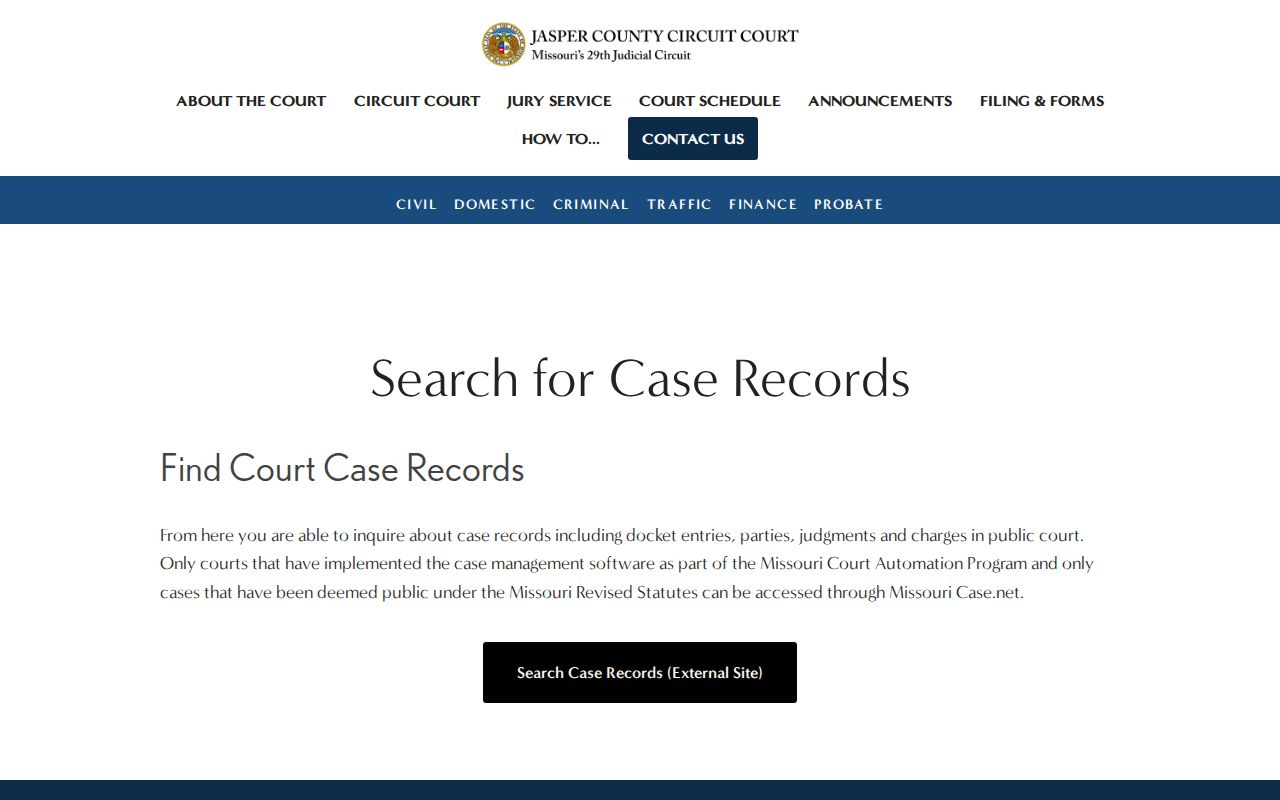
Case.net is the search layer for Jasper County court records, and the Circuit Clerk is the fallback. When a public record does not appear remotely, the clerk's counter is where access happens.
Searching by Case Number
A case number is the cleanest way to run a Jasper County case search. Missouri's statewide format packs in the year, location, category, and sequence. Historic conversions exist. Never build a number from a case description. Type the number printed on a court notice, docket, citation, or clerk record. Category codes help as clues. They do not guarantee the exact live display.
You will see codes like CR for criminal, TR for traffic, and IN for infraction. Civil cases use CV, juvenile JU, probate PR, and municipal work MU. Search the full official number with its year and sequence. A code alone will not find the case.
Jasper County Case Number Clues
The state public guide confirms case-number search. It also shows how to follow a selected case with Track This Case. It does not treat a category code as a substitute for a case number. Nor does it promise that all public records share one historic format. A Jasper County search works best one way. Keep the number exactly as the court issued it.
Missouri's Track This Case guide documents the public search types on the official page.
The guide backs the name, filing-date, case-number, and scheduled-hearing routes, and it asks no searcher to guess at unverified controls.
What a Case Search Returns
A Jasper County case search returns a public case header and docket information. For public automated cases, the court says Case.net can provide docket entries. Parties, judgments, and charges appear there too. A result may also show the filing date. Case category, court or division, status, scheduled setting, and links to documents may appear as well. Still, the result is only an index. It points into the court record. It does not promise that every filing underneath is visible.
Read what you get next to the court notice or clerk information. A status label alone cannot explain an entry's legal meaning. The Circuit Clerk can identify a record route. But Jasper court staff cannot give legal advice or tell a party what to do.
| Case number | The assigned identifier, with categories such as CR, CV, or TR as relevant. |
|---|---|
| Style or parties | The public case caption and parties shown for the record. |
| Case type and court | The category, 29th Judicial Circuit assignment, division, or municipal context. |
| Filed date and status | Public information about when the case began and its recorded condition. |
| Docket and documents | Dated court events and, when available, linked public documents. |
Jasper County Case Search Documents
A docket entry and a document image are two different layers of the court record. Missouri File Viewer Help explains the hyperlink route. A public document may open through a hyperlink. When a docket entry has no link, no image may be attached. Or access may be limited. ECASE marks an electronic case record. Even a public case header can hold confidential or restricted material.
For eligible documents missing from the remote display, there is another route. The courthouse public terminals may be the right one. Bring the case number. Or bring the minimum lawful identifying information the clerk search requires. Note that public access does not permit reproducing sensitive information from a case. Missouri File Viewer Help spells out these rules on the official help page.
That access distinction shapes the smart play: expect a docket entry first, then a clerk or terminal request for the document itself.
Statewide vs County Case Search
Case.net wears two hats for Jasper County court work. It is the statewide portal and the local online search layer at once. The county posts no second complete public case-search database. Its court pages simply route users to Case.net. When the online display is incomplete, the Circuit Clerk fills the gap. Counter, phone, email, request-form, and public-terminal options all exist at the county level.
| Missouri Case.net | Jasper County Circuit Clerk |
|---|---|
| Statewide public search for automated, nonconfidential case information. | County custodian route for records, copies, office guidance, and court-specific access. |
| Search by name, filing date, case number, or scheduled hearing. | Use phone, email, counter, public terminal, or accepted records-request delivery. |
| Can show public docket entries, parties, judgments, charges, and eligible links. | Helps locate or request material not shown through the remote display. |
Jasper County Case Search and eFiling
Missouri eFiling and Case.net serve two different crowds. eFiling is built for attorneys. Registration asks for a Missouri Bar number and a PIN. The public side of a Jasper County case search runs through Case.net instead. An attorney who already has a case number can file straight into that case with the system. That role has nothing to do with a public request to pull up a docket or case record. Missouri Courts online services list Case.net, eFiling, forms, and court information. Each sits in its own lane.
The service navigation reinforces the boundary between public searching and attorney-facing filing access.
Access and Restricted Cases
Not every Jasper County case shows up in a public search. Juvenile records stay restricted under Missouri law. An expungement order can seal the records it covers. A rule can limit what the clerk releases. A statute, a security category, or a court order can too. When a search result comes back restricted, the right move is the Circuit Clerk or the process the court states. Do not hunt for a workaround through some other search mode.
Missouri's Court Operating Rule 2 public-access document lays out general public access. That access stays subject to law and court order. Treat the linked state text as a public-review draft rather than final rule language. File Viewer Help adds one more caution. Confidential documents can sit inside an otherwise public case file.
Public access has boundaries.
RSMo 610.140 addresses expungement and the confidentiality of covered records after an order.
RSMo 211.321 restricts juvenile records except as the statute permits.
Jasper County Case.net Search Entry
Start a Jasper County case search at the Case.net landing page. That is the current public interface. Search modes, drop-down values, sorting, and pagination can change on the live form. Work from what the page presents rather than assumed controls. The confirmed official search modes are enough to begin. For an important record or court date, confirm with the clerk. Missouri Case.net is the official entry point.
Skip the commercial lookup sites. The state landing route is the official public starting point for Jasper County automated case information.
Jasper County Case Search Clerk Routes
When Case.net falls short, take the question to the Circuit Clerk. The Carthage office sits at 302 South Main, Carthage, MO 64836, phone (417) 358-0441. In Joplin, the office is at 633 South Pearl Avenue. That office is Joplin, MO 64801, phone (417) 625-4310. Records email: JasperCountyRecords@courts.mo.gov. A public terminal at the courthouse can offer eligible access that no remote search matches.
The official General Records Request Form lets you aim a search at a name, division, case number, record category, delivery choice, and certification. Use mail or electronic-copy delivery only as the clerk accepts it. A clerk can point you to the right record route and copy procedure. The clerk cannot give legal advice about the case.